
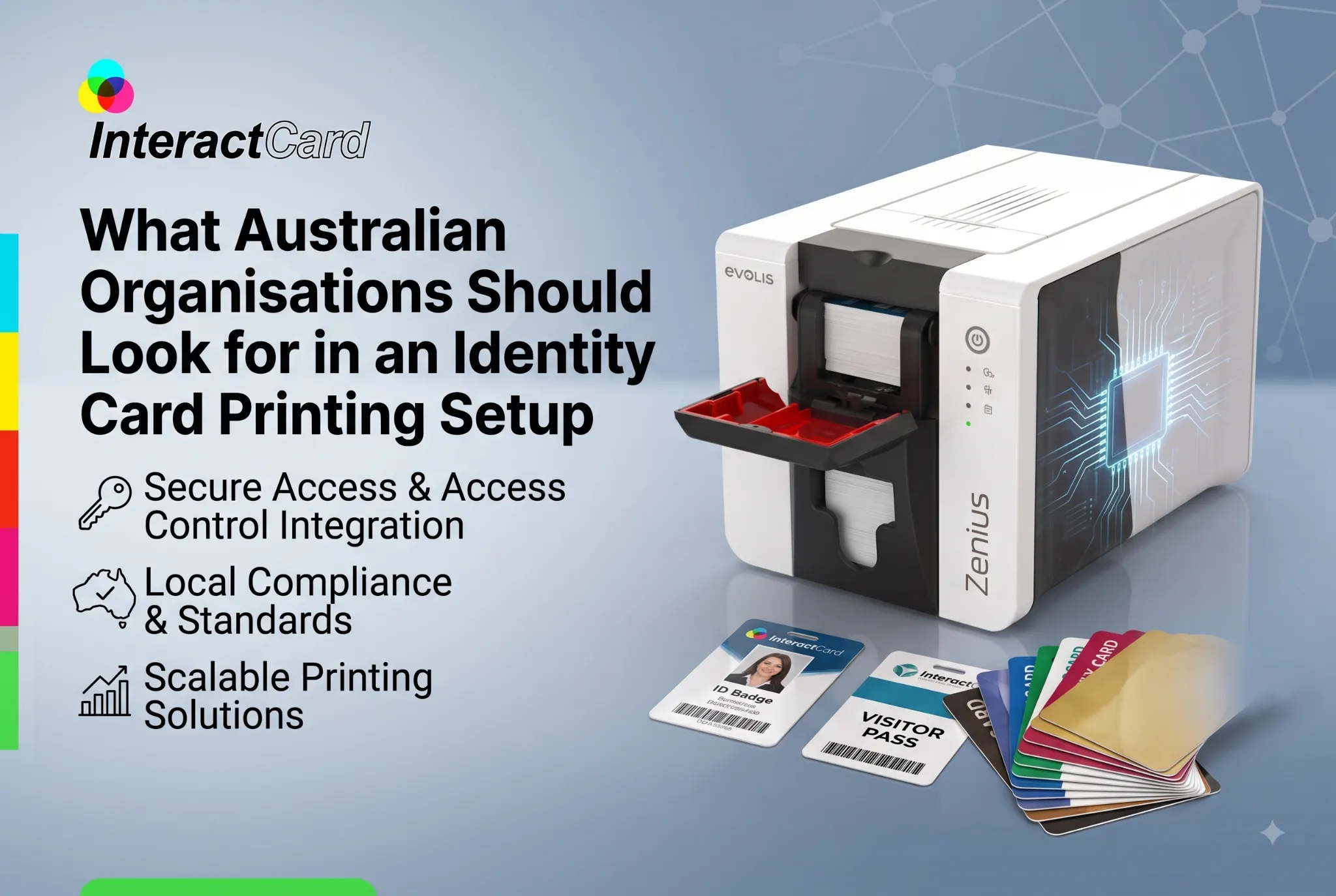
An identity-card printing setup is more than a printer on a desk. It includes the cards, consumables, design process, operator workflow and procedures used to keep information accurate.
Organisations considering an identity card printer should therefore assess the complete process rather than comparing printer specifications in isolation. A well-matched setup can make issuing new credentials and replacements much easier to manage.
Define the Identification Purpose
Start by identifying why cards are being produced.
A corporate employee card may need professional branding and a photograph. A contractor badge may prioritise clear visual identification. Membership cards can require different information again.
Write down the mandatory fields before selecting equipment. These might include:
-
Cardholder name
-
Photograph
-
Job title or membership type
-
Organisation logo
-
ID number
-
Expiry information
-
Barcode or other identifier
-
Emergency or contact information
This immediately establishes how much information needs to fit on each card.
Determine Expected Card Volume
The number of cards produced can affect equipment selection.
Organisations comparing card printers australia should estimate normal printing volume rather than relying only on total staff numbers.
A company with 500 existing employees but few new starters may print less frequently than a smaller membership organisation issuing new cards every week.
Card printers Australia buyers should also consider replacement frequency because lost, damaged or outdated credentials create ongoing demand after the initial card rollout.
Decide How Professional the Cards Need to Look
Cards worn by public-facing employees often contribute to the organisation’s visual identity.
Colour consistency, photograph clarity, readable text and clean layout can therefore matter. Avoid overcrowding the card with unnecessary information simply because space is available.
Create a Visual Hierarchy
The most important information should be easiest to see.
Prioritise identification at a glance
A cardholder’s name and photograph may need greater prominence than secondary details. Testing a few layouts before finalising the printing setup can improve both readability and appearance.
Evaluate One-Sided Versus Two-Sided Printing
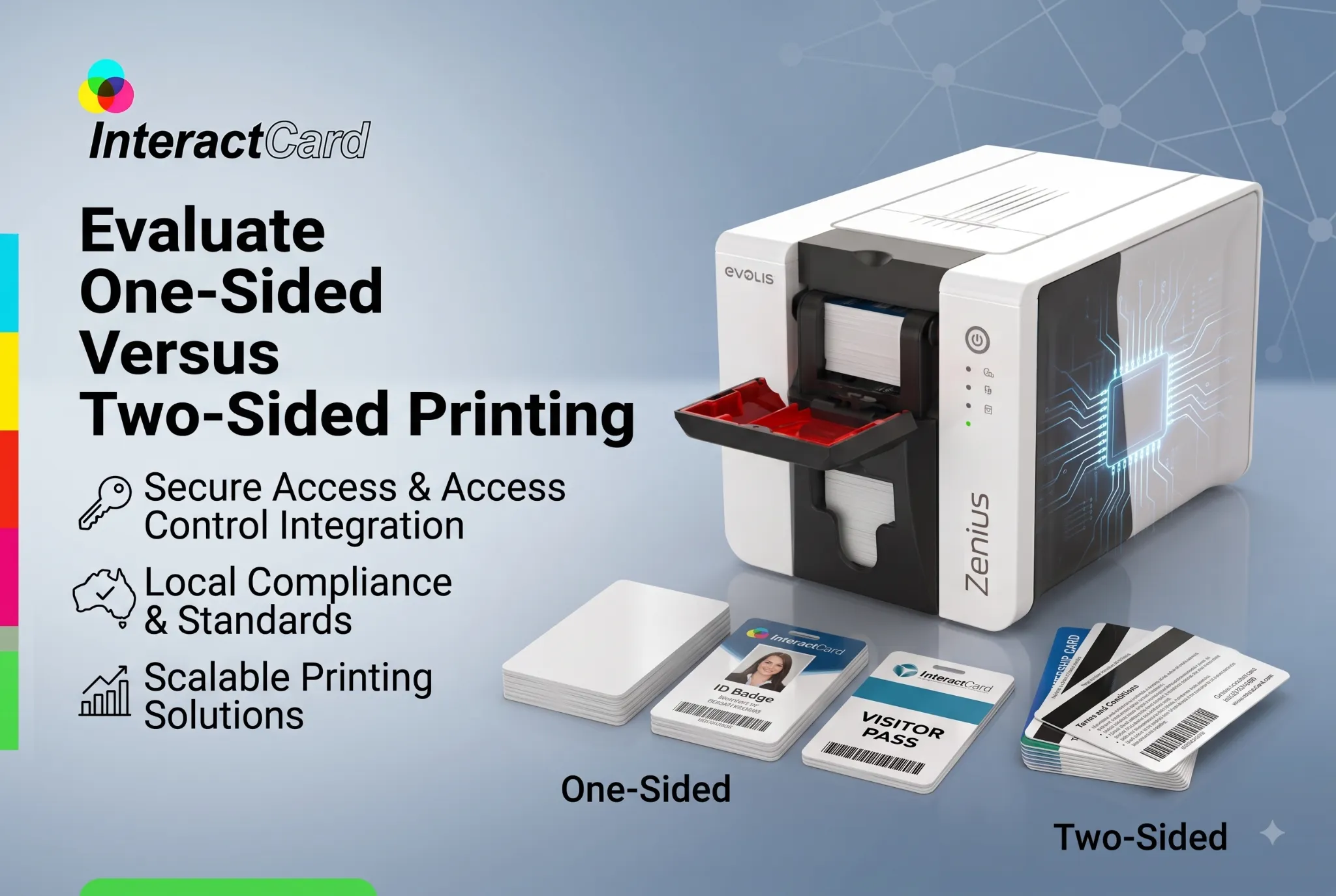
The front of an ID card can become crowded quickly. Moving secondary information to the reverse may produce a cleaner layout.
Dual-sided cards can use the back for instructions, contact details or other organisational information.
The best choice depends on standard card design. An organisation should not pay for unnecessary functionality, but it should also avoid creating a cumbersome manual process if every card genuinely requires two-sided printing.
Check Compatibility With Your Workflow
A printer for id card printing needs to fit the organisation’s computers, software and administrative process.
Consider where the printer will sit and who has responsibility for using it.
Printer for id card printing workflows might involve HR entering employee details, another staff member approving the design and an administrator producing the physical card. Mapping that process before installation can reveal whether additional software or access arrangements are necessary.
Think About Consumables and Stock
Printers require compatible supplies.
Blank cards and ribbons should be stored securely and kept available in appropriate quantities. Running out of a basic consumable can delay a replacement card even when the printer itself is functioning perfectly.
Establish Basic Stock Controls
Consumables do not require a complicated inventory system.
Set a sensible reorder point
Staff can simply record approximate usage and order replacements before the remaining stock reaches a critical level. This is particularly useful for organisations where identity cards are required immediately during onboarding.
Plan for Replacements and Updates
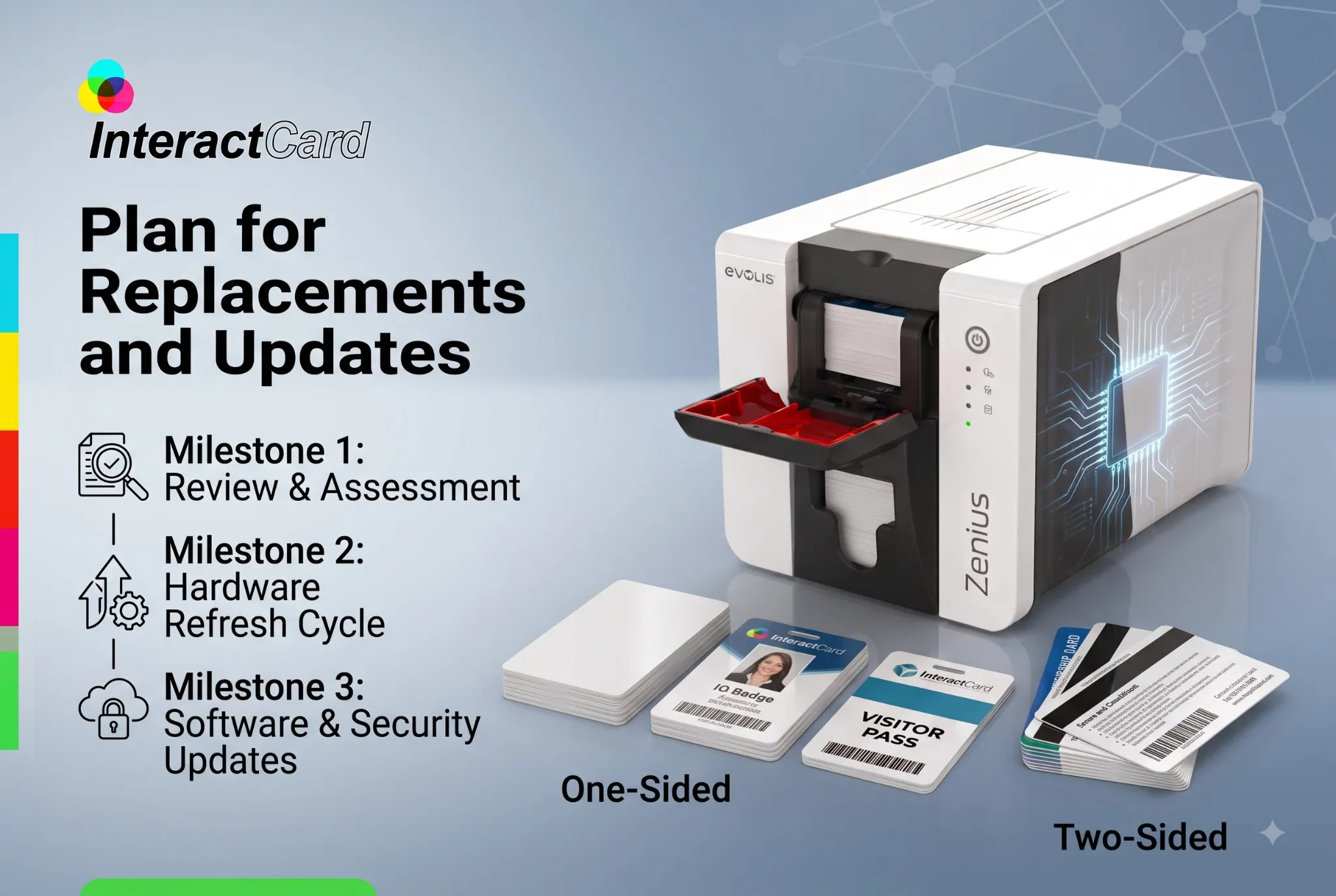
Cards are not printed only once.
Employees may change positions, photographs may be updated, cards may become damaged and credentials can be lost. Your printing setup should make routine replacements straightforward.
An identity card printer located internally can provide greater scheduling control, but the organisation should still have clear procedures to prevent duplicate or incorrect credentials from being issued casually.
Consider Basic Data Handling
Identity cards may contain personal information, including names, photographs and employee identifiers.
Card-production procedures should therefore align with the organisation’s normal approach to handling employee or member information. Limit access to relevant systems and avoid leaving unnecessary printed test cards or discarded credentials unattended.
Card printers Australia organisations use should be integrated into sensible administrative procedures rather than treated simply as general office equipment.
Why Choose Us
Interact Card provides Australian organisations with access to card-printing products suited to different identification needs. Buyers can examine options while considering practical issues such as card volume, printing format and operating workflow.
This makes it possible to build the setup around the organisation’s actual credential requirements instead of selecting hardware first and adapting processes later.
About Us
Interact Card works with solutions for identification-card and plastic-card production. Organisations exploring a printer for id card printing can use their card type, expected output and administrative workflow as the basis for comparing available equipment.
The focus should remain on creating an arrangement that staff can operate consistently and that produces cards appropriate to the intended use.
Conclusion
A successful identity-card setup combines suitable hardware with a clear production process. Printer capacity, card design, consumables, software, staff responsibility and replacement procedures should all be considered together.
Australian organisations that define these requirements before purchasing equipment are better positioned to choose a system that supports everyday card production without unnecessary complexity.