
A slow connection is easy to blame on the internet provider. That is usually the first thought when a video call cuts out, a security camera goes offline, or one corner of the house suddenly has weak Wi-Fi.
But the service coming into the property may be perfectly fine while the network inside is poorly arranged. A fast plan cannot fix bad access-point placement, overloaded equipment, or cabling that was added over time with no real plan.
Walk Through the Property First
Before choosing hardware, it helps to look at how the building is actually used.
A home may have a study upstairs, a television room downstairs, cameras outside, and a patio where people regularly use their phones. An office may have meeting rooms, workstations, printers, guest devices, and areas where staff move throughout the day.
For an austin unifi network installation, this walkthrough matters. It can reveal where coverage is weak, where wired connections would help, and where an access point may be doing too much work.
One Extra Access Point Is Not Always a Fix
When Wi-Fi is weak in a room, the obvious response is to add another access point. Sometimes that works. Sometimes it simply creates more wireless clutter.
Access points need sensible spacing. If they are too close, they can compete with one another. If they are too far apart, users may get weak spots or devices that cling to a distant signal.
The best location is not always the most convenient one. Hiding equipment in a cupboard may keep it out of sight, but it can also affect performance. Placement should follow the needs of the space, not just the nearest socket.
Cabling Still Matters
Wi-Fi gets most of the attention because it is what people use every day. The wired side of the network is easier to forget, even though it often carries the heavier load.
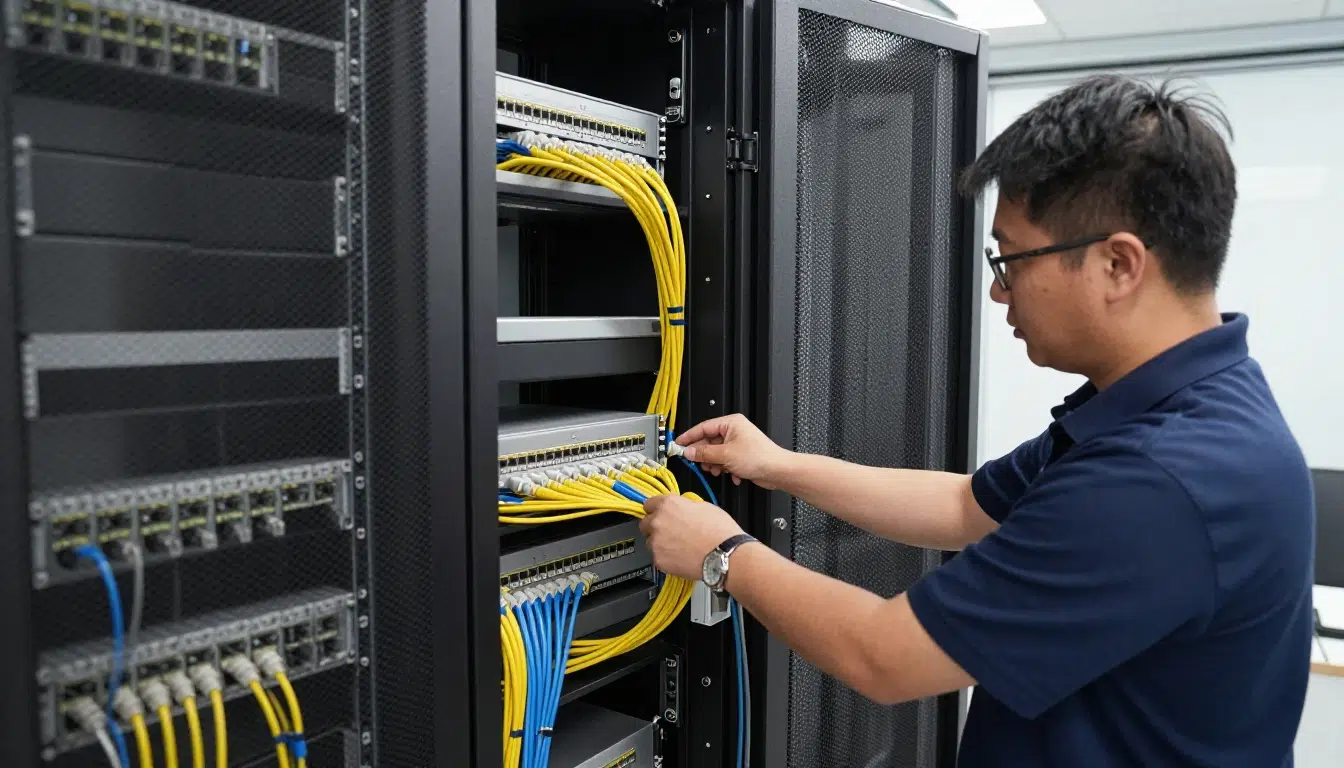
Ethernet can provide a stable connection for access points, cameras, desktop computers, switches, and other fixed devices. It also reduces the amount of traffic relying entirely on wireless connections.
Good cabling makes future changes less awkward too. If cable routes are planned properly, adding another camera, desk, or access point later does not have to become a major job.
Leave a Little Room for Change
Most networks grow quietly. One smart television becomes three. A couple of cameras turn into a larger security setup. A small office adds more staff. A spare bedroom becomes a permanent workspace.
That is why a silicon hills network installation should not be designed only around today’s devices. Spare switch ports, tidy cable management, and room for future equipment can make later upgrades much easier.
This does not mean buying unnecessary hardware. It simply means avoiding a network that is already at its limit on day one.
Keep Different Devices Organized
Homes and workplaces can have a surprising mix of connected equipment. Phones, laptops, cameras, printers, televisions, smart devices, and visitor devices may all share the same internet connection.
They do not always need to sit on the same part of the network. Guest Wi-Fi can be separated from internal work devices, while cameras can be placed on their own network segment.
That kind of organization can make troubleshooting easier. Instead of treating the whole network as one large group, each type of device has a clearer place.
Small Problems Are Easier to Fix Early
Networks change after installation. New devices appear, furniture gets moved, rooms change purpose, and software updates can alter how equipment behaves.
A quick check from time to time can catch problems early. Maybe one access point is handling too many devices. Maybe a new camera was added in a weak area. Maybe a cable has become unreliable.
These issues are usually easier to solve before several people start complaining about the connection.
Conclusion
Reliable Wi-Fi is rarely about buying the most expensive hardware. It usually comes down to sensible decisions: where equipment goes, which devices should be wired, how traffic is organized, and whether the setup has room to grow.
When those basics are handled well, the network becomes something people barely think about. That is often the clearest sign that it was planned properly in the first place. Teams like UniFiNerds.com can help make sure those basics are in place from day one.